
How to tell what version of the SPFx Yeoman generator is installed

Introduction
Sometimes you just need to figure out what version of the SPFx Yeoman generator is installed on someone’s machine.
I got tired of having to look it up all the time, but I can never find the command (probably because it is too obvious for most people to write it down?).
So here is a note for myself, but I hope it helps somebody else too one day.
Getting the version number
To find the version of your SPFx Yeoman generator, follow these steps:
Launch a Node.js command prompt command or whatever terminal you use
Type the following command:
npm ls -g --depth=0 @microsoft/generator-sharepointWait…
The response should look a little like this:
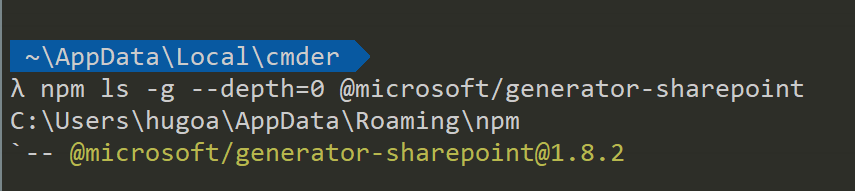
The command isn’t specific to the SPFx Yeoman generator. It can be used for any NPM package. Here is what it really does:
npmindicates a Node Package Manager command.lsmeans to list packages-gmeans that you want to list the global packages. If you don’t use-g, you’ll only list the packages installed in the current solution (assuming that you’re currently in a folder that contains a solution)--depth=0means that you only want the top-level modules. In other words, you don’t want to list all modules that includes the package you’re looking for.@microsoft/generator-sharepointis the actual package you want to list. You can actually put whatever package you want here. For example,npm ls -g --depth=0 yowould tell you what version of the Yeoman generator is globally installed, andnpm ls --depth=0 office-ui-fabric-reactwould tell you what version of Office UI Fabric React is currently installed in your current solution.
How to check if Yeoman has an update for you
As Stefan Bauer pointed out, if you don’t want to know which version of the SPFx Yeoman generator you have installed, but you want to see if there is an update, you can follow these steps:
Launch a Node.js command prompt command or whatever terminal you use
Type the following command:
yoYeoman will greet you. If you have an update available, Yeoman should tell you right away (see how my Office generator has an update in the screen shot below)
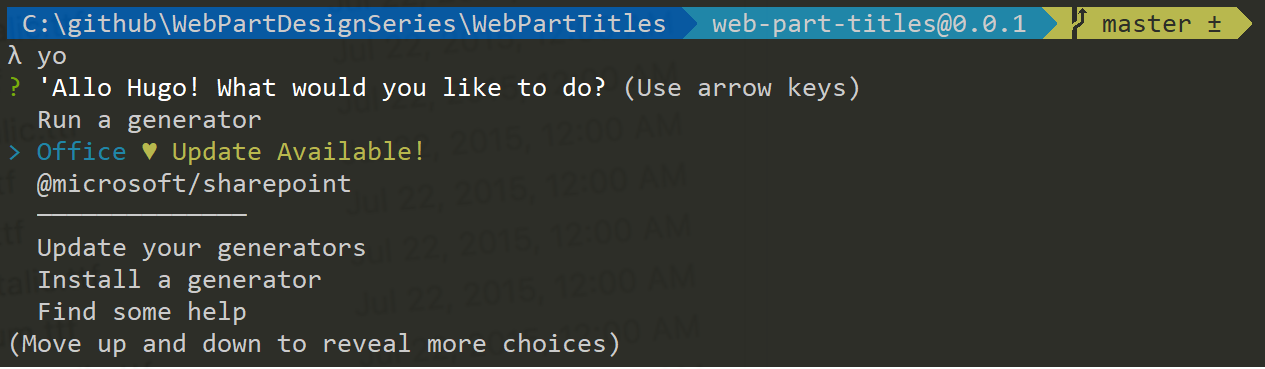
Select Update your generators
Yeoman will prompt you to select the generators you want to upgrade. Use the spacebar to toggle which generators you want to update, then press Enter

Yeoman will do its thing, then will tell you I’ve just updated your generators. Remember, you can update a specific generator with npm by running
npm install -g generator-______. Good to know Yeoman, good to know.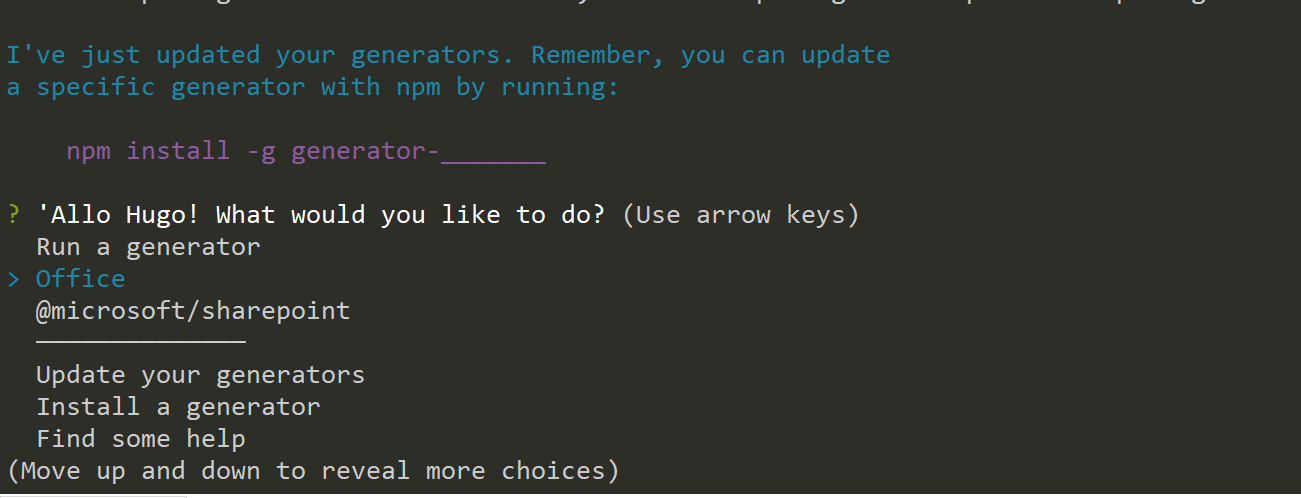
Conclusion
This article shows you how you can use a standard NPM command to query what version of the SPFx Yeoman generator is installed on a workstation.
You can use the same command for any NPM package, but in my particular case, I just wanted to remember how to diagnose the version of the SPFx Yeoman generator.
There may be an easier/faster way to do this. If you know a different way, please share with the rest of the class.
I hope it helps?
Update
- Thanks to Stefan Bauer (https://n8d.at/) for confirming that there aren’t any faster ways to do this, and for also suggesting that I explain how the command works. The section about using
yoto update your generators was also his idea. Stefan is someone that I respect immensely and I truly appreciated his feedback!
Related Posts